
Your calendar, on your Supernote
synced automatically.
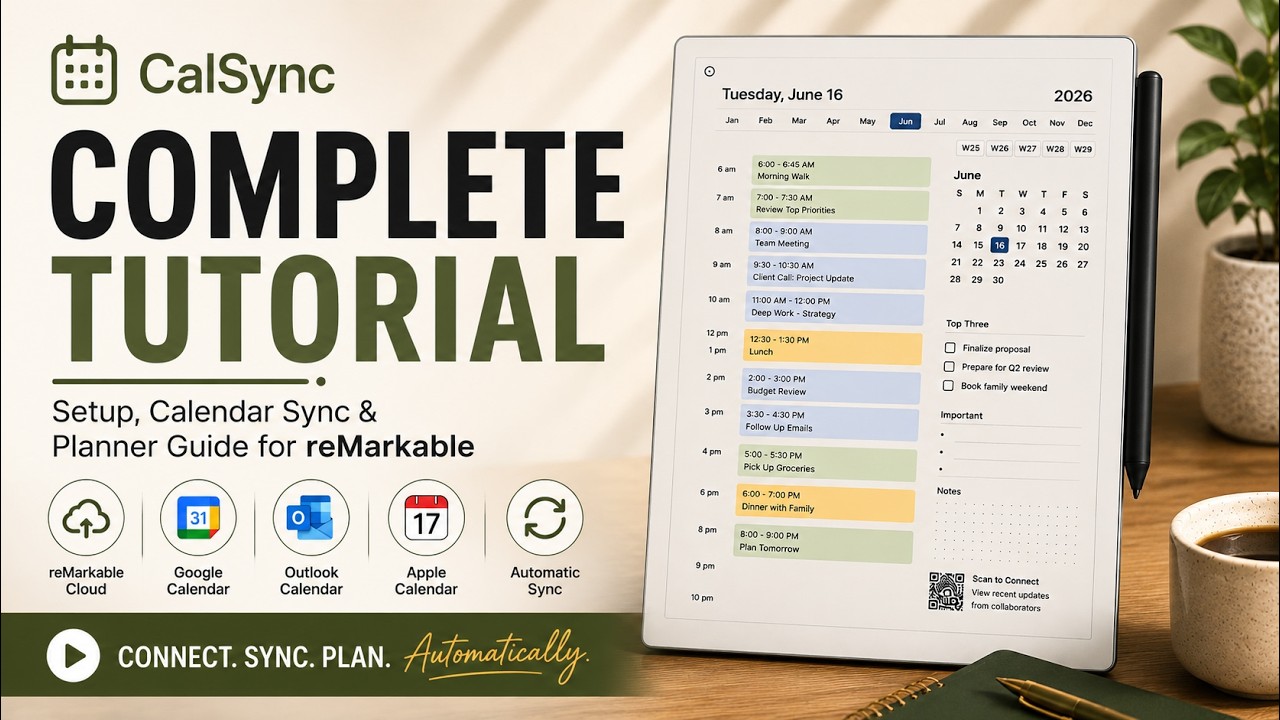
CalSync brings your Google, Apple, and Outlook events straight onto unlimited planner pages on your Supernote. Every handwritten note stays exactly where you left it.
Watch the demo to see exactly how it works, then connect your own Google, Apple, and Outlook calendars after you buy.
One purchase. No subscriptions. Includes free updates and support.

How CalSync works on Supernote
No technical background needed — three steps from your calendar to your tablet.
Connect your calendar
Link Google, Apple, or Outlook in a couple of clicks. Pick exactly what you want to sync.
Generate your planner
CalSync builds your planner with your real events placed on the right days — yearly, monthly, or custom.
Send it to your Supernote
Import your planner and start writing. Re-sync any time — your handwritten notes are always preserved.
Create unlimited planners
forever
Never buy another planner again. Generate as many as you want — yearly, monthly, or fully custom — tailored to your workflow. Regenerate any time and your handwritten notes carry over untouched.
- Unlimited planner generation
- Yearly, monthly & custom date ranges
- Handwriting preserved on every update
- Layouts sized for your Supernote

Sync real calendar events automatically
Stop rewriting your schedule every day. CalSync connects directly to Google, Apple iCloud, or Outlook and drops your real events onto the right day and time — meetings, reminders, birthdays, deadlines.
- Google, Apple & Outlook supported
- Events pulled directly into planner pages
- Auto-refresh on every regeneration
- Unlimited events across all connected calendars

Plans in your language
CalSync adapts month names, weekdays, date formats, and headers to your region automatically — perfect for anyone who plans across multiple languages.
- English, French, Spanish, Italian, German & Japanese
- Region-aware date formats
- Native-feeling planners anywhere

Built for your Supernote
CalSync works with Supernote tablets that share the same screen dimensions as reMarkable, generating planners sized perfectly for your device. The desktop app runs on macOS and Windows.
Ready to start?
One purchase. No subscriptions. Includes free updates and support.
Get CalSync — $49One payment. Yours for life.
No subscriptions, no renewals. Lifetime updates included.
CalSync for Supernote
- Unlimited planners & calendar events
- Google, Apple & Outlook sync
- 6 languages
- Handwriting always preserved
- Lifetime updates
Lifetime license • Free updates • Dedicated support
Questions, answered
Can I try CalSync before I buy?
Yes. Watch the demo video on this page to see the whole flow from calendar to Supernote, and you can try a free hands-on demo with a sample calendar first. Once you purchase, you connect your own Google, Apple, or Outlook calendars.
Does CalSync really work on Supernote now?
Yes. CalSync now brings its full feature set to Supernote — calendar sync, unlimited planners, and multilingual support all work on supported Supernote devices.
Is this a subscription?
No. CalSync is a one-time purchase with a lifetime license and free updates. You pay once and own it.
Which calendars are supported?
Google, Apple iCloud, and Outlook calendars. The desktop app runs on macOS and Windows.
Will syncing erase my handwritten notes?
Never. Your handwriting is fully preserved every time you regenerate or re-sync a planner.
What if I run into trouble?
Our support team is here to help. If CalSync isn't working the way you expect, reach out and we'll work with you to get it sorted.
See CalSync in action
Watch how quickly your calendar syncs onto your Supernote — notes and all.
Bring your calendar to
your Supernote.
Unlimited planners, automatic sync, your notes always intact.
Get CalSync · $49 lifetimeOne purchase. No subscriptions. Includes free updates and support.